Secure Your RAK Business: A Checklist for Your Commercial CCTV System
In Ras Al Khaimah’s vibrant commercial landscape, security is not just a precaution—it’s a foundation for trust, safety, and operational continuity. A well-planned Commercial CCTV System is a powerful deterrent and a critical tool for protection. This isn’t about buying cameras; it’s about designing a security asset tailored for your RAK business.
Follow this actionable checklist to ensure your system is effective, compliant, and ready to serve your needs.
Phase 1: Pre-Purchase Planning & Compliance
✅ Understand RAK Regulations
-
Contact RAK Police (General Directorate of Security Services): Obtain the official requirements for commercial CCTV installation. Specific guidelines may govern camera placement (e.g., not directly facing public streets or neighboring private property without consent).
-
Check with Your Landlord/Free Zone Authority (RAKEZ, etc.): Obtain written permission for installation, especially for drilling and external mounting. Compliance with building aesthetics may be required.
-
Privacy Law Adherence: Ensure your system respects employee and customer privacy. Post clear signage at entrances stating that CCTV surveillance is in operation.
✅ Conduct a Professional Site Assessment
-
Identify Critical Areas: Map out non-negotiable coverage zones:
-
All customer and staff entrances/exits
-
Point-of-Sale (POS) / cash handling areas
-
Stock rooms, warehouses, and storage areas
-
Reception desks and secure administrative offices
-
Parking areas, delivery bays, and perimeter gates
-
-
Analyze Lighting: Note areas with low light at night (e.g., back alleys, unlit storage yards) to determine if you need cameras with night vision (infrared/IR) or additional lighting.
✅ Define Your Core Requirements
-
Image Quality: For identification purposes (e.g., seeing a face or license plate), 1080p (Full HD) is the absolute minimum. For covering wide areas like warehouses, consider higher resolutions (4MP, 8MP).
-
Storage & Retention: Determine how many days of footage you need to keep. RAK Police may have a minimum requirement (often 30-31 days) for commercial premises. Calculate the required storage (Network Video Recorder – NVR – capacity) accordingly.
-
Remote Access: Ensure the system allows secure, encrypted remote viewing on your smartphone or laptop. This is essential for monitoring multiple RAK locations or checking in after hours.
Phase 2: System Selection & Technical Checklist
✅ Camera Specifications
-
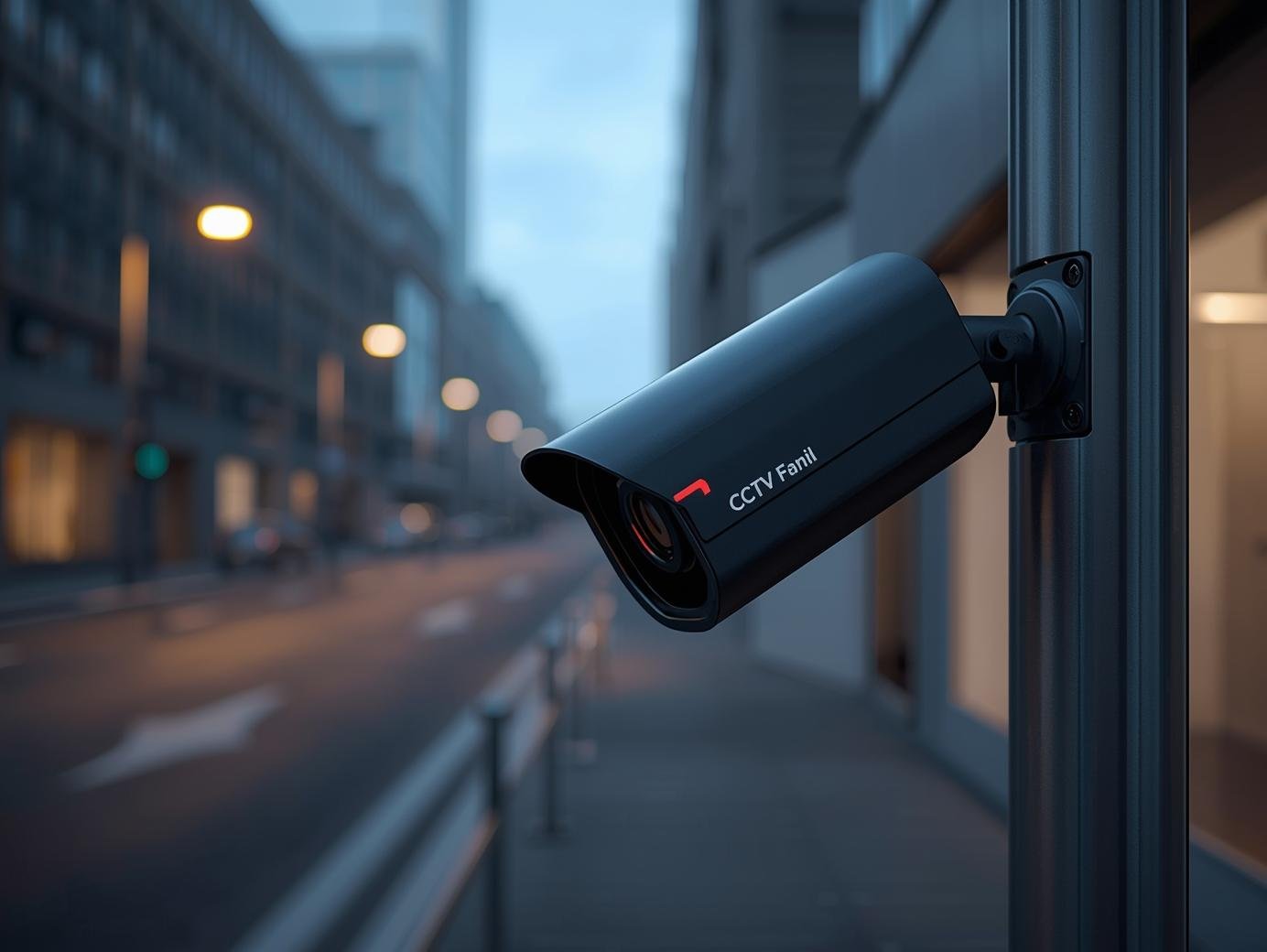
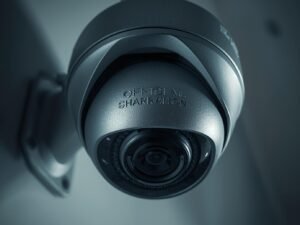
Type: Dome cameras (discreet, vandal-resistant) for indoors; Bullet cameras (longer range, visible deterrent) for outdoors.
-
Essential Features:
-
Weatherproof Rating (IP66 or higher) for all outdoor cameras.
-
Night Vision (IR): Check the effective distance (e.g., 30m).
-
Wide Dynamic Range (WDR): Crucial for RAK’s bright sunlight and dark shadows, ensuring clear images in high-contrast light.
-
Field of View: Choose the right lens (e.g., wide-angle for a reception area, varifocal for adjusting coverage on a delivery gate).
-
✅ Recording & Hardware
-
Network Video Recorder (NVR): Select one with enough channels for current cameras + 20-30% for future expansion. Ensure it has sufficient storage capacity to meet your retention period.
-
Power over Ethernet (PoE): Highly recommended. A single cable provides both power and data, simplifying installation and improving reliability.
-
Backup Power (UPS): Install an Uninterruptible Power Supply to keep the system running during short power fluctuations, ensuring footage is never lost.
✅ Cybersecurity & Network Health
-
Change Default Passwords: Immediately and on every device (cameras, NVR, router).
-
Use a Secure Network: Isolate your CCTV system on a separate network/VLAN from your main business Wi-Fi to prevent breaches.
-
Enable Encryption: Ensure data transmission and remote access are encrypted.
-
Regular Firmware Updates: Choose a reputable brand that provides regular security patches.
Phase 3: Professional Installation & Setup
✅ Hire a RAK-Licensed Security Integrator
-
Work with a company approved by RAK authorities. They will understand local codes, obtain necessary permits, and ensure a compliant installation.
-
Get a detailed quote including equipment specs, labor, wiring, and after-sales service/warranty.
✅ Final Positioning & Angles
-
Height & Angle: Mount cameras 8-12 feet high, angled to capture identifying facial features, not the top of heads.
-
Avoid Obstructions: Ensure no trees, signs, or glare from lights will block the view over time.
-
Secure the Hardware: NVRs and switches should be placed in a locked, ventilated cabinet to prevent tampering.
✅ Configuration & Testing
-
Set Recording Schedule: 24/7 recording is standard for high-security areas. Motion-activated recording can save storage for lower-traffic zones.
-
Test Remote Access: Verify you can view live and recorded footage securely from off-site.
-
Train Key Staff: Designate 1-2 employees on how to access footage, perform basic searches, and export clips for authorities if needed.
Ongoing Management & Maintenance
✅ Weekly/Monthly Checks
-
Verify cameras are operational and lenses are clean (dust and sand are factors in RAK).
-
Check that the system is recording and that storage capacity is sufficient.
-
Review a short clip from each camera to ensure image quality hasn’t degraded.
✅ Annual Professional Audit
-
Have your installer conduct a full system health check, update firmware, and assess if upgrades are needed due to business expansion or new technology.
The Final Word for RAK Business Owners
A commercial CCTV system in Ras Al Khaimah is a strategic investment. It protects your assets, provides evidence in disputes, lowers insurance premiums, and creates a safer environment for your team and customers. By following this checklist, you move from a simple purchase to implementing a professional security infrastructure that supports your business’s long-term resilience and success.
Disclaimer: This guide provides general best practices. Always consult with the Ras Al Khaimah Police and licensed security professionals for the final design, permitting, and installation of your commercial CCTV system to ensure full compliance with all local laws and regulations.